




What Is the Name of the Expense Scanner App on Google Play, and Is It a Separate App?
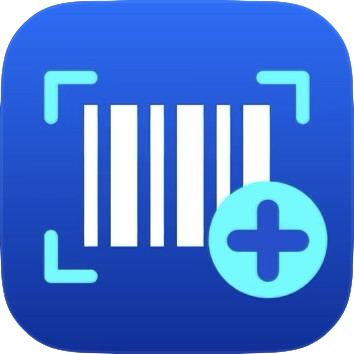
Yes, the Quick Expenses Scanner is a separate app from the main system app. Search for it in the store by the name Daftra – Smart Expense Scanner. The app is available on Google Play, the App Store and Huawei AppGallery.
To get the correct download links directly from your account:
- Click your name at the top of the screen, then click Daftra Mobile Apps.
- Click the Quick Expenses Scanner card.
- Scan the QR code with your phone’s camera, or click the store button for your phone, then install the app.
- Log in to the app with your Daftra account details.
🛈
Note: The Quick Expenses Scanner card appears only if the Expenses app is active in your account. If you can’t find the app by searching the store, use the QR code or the store buttons on the same page; they open the correct app directly.