


How can I enable or disable Auto Renew for my plan?
You can enable or disable the automatic subscription renewal on the expected payment due date while you pay for your subscription, provided that you pay for the subscription by Visa card rather than through the Bank.
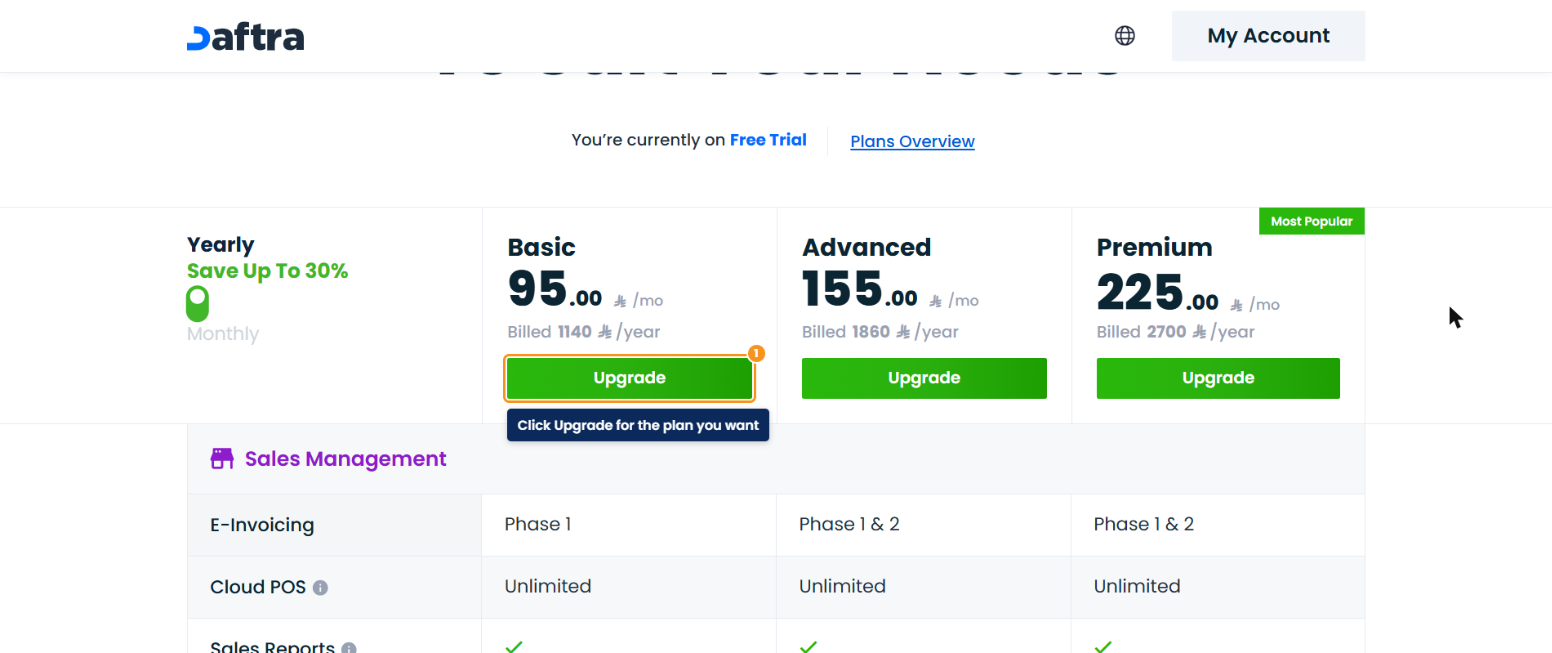
Click your account name at the top of the screen, then click Renew Subscription. To pay for a different plan, click Change Plan, then click the Upgrade button for the appropriate plan.
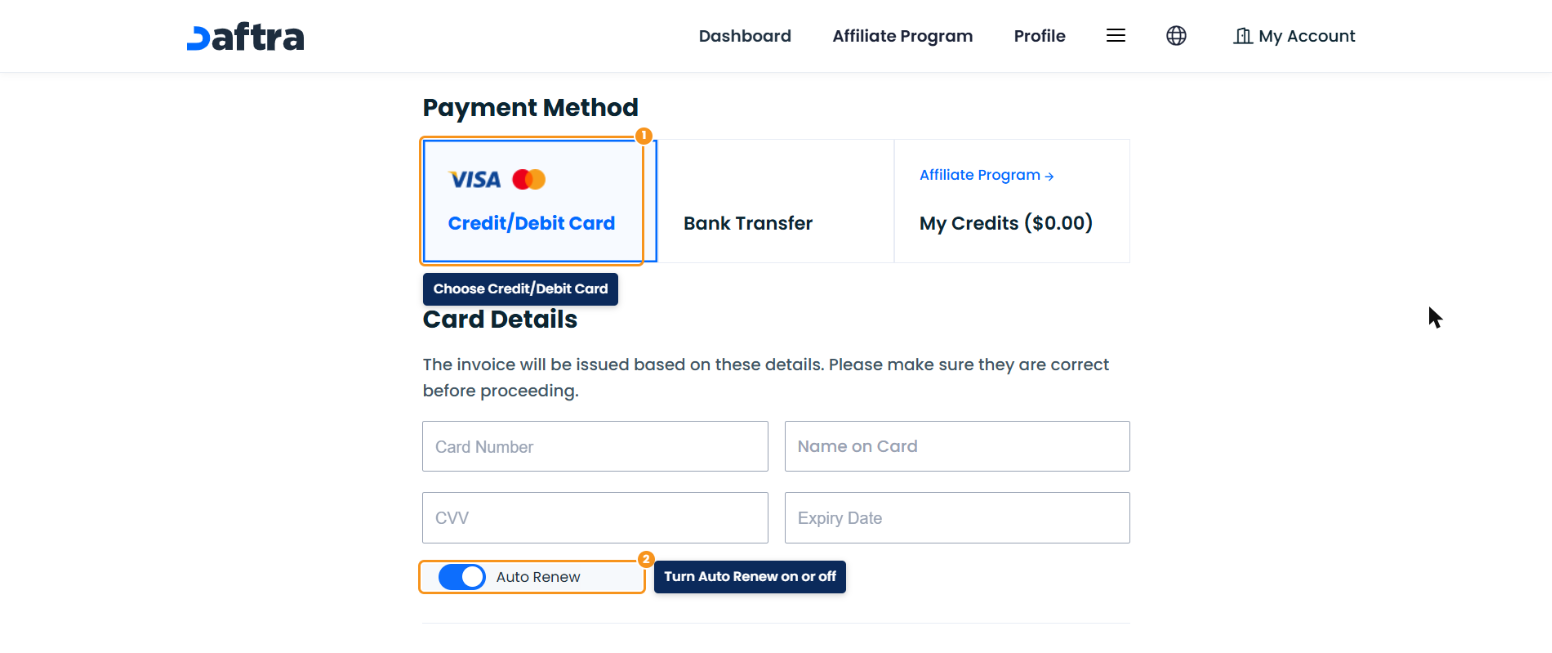
On the Checkout page, choose Credit/Debit Card as the payment method and enter your card details.
- Enable the Auto Renew option if you want to renew the subscription automatically on the payment due date.
- Or disable it if you want to turn off automatic renewal.
You can also turn off automatic renewal at any time by deleting the saved card: open your account menu at the top of the subscription page > Payments Configuration > the Active Cards table > Delete, because automatic renewal only works with a saved card.